
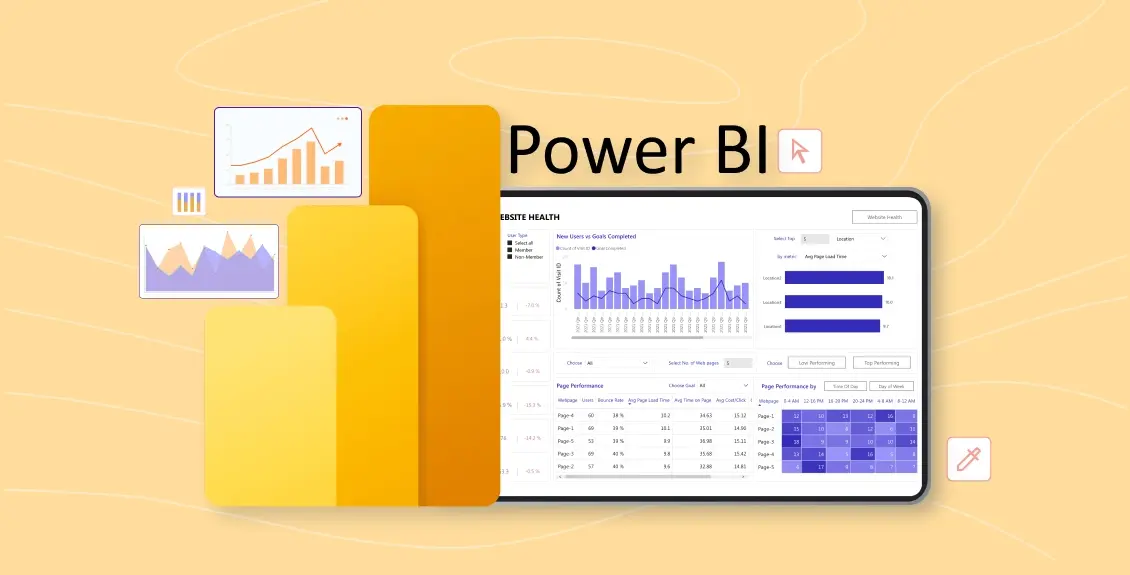
As part of TU-NET’s July 2026 data skills series, Luke Power (Projects Manager, Research Office, SETU) gave a hands-on introduction to Microsoft Power BI for researchers and research managers. The session was hosted by David Kane on behalf of TU-NET and included a live demonstration building an interactive dashboard from scratch.
Luke’s central point: Power BI is already included in most universities’ Microsoft licences, sits largely unused, and can meaningfully improve how research data is handled — from the consistency and reproducibility of data cleaning to the impact and reach of published findings. It is not a replacement for statistical analysis; its strength is as a bridge that pulls messy, disparate data into a consistent, repeatable pipeline and presents it back in an interactive, shareable form.
Key takeaways
- From manual wrangling to automated pipelines. Power BI connects directly to your original sources and remembers the cleaning rules you apply, so new data just needs a refresh rather than hours of copy-and-paste.
- Reproducibility built in. Every transformation step is recorded as an audit trail — useful for peer review and for remembering, months later, exactly how data was handled.
- A translation layer for messy data. It lets datasets in incompatible formats (for example, from different clinics) work together logically without forcing anyone to change their source systems.
- Impact and dissemination. The Publish to Web feature turns findings into an interactive dashboard that can be embedded in a website, journal article or email — safely, since viewers see only a model of the data.
- Governance and privacy. Row-Level Security and GDPR/HIPAA compliance make it viable for sensitive, multi-site research data.
Watch the recording
Watch the session recording. The recording is password-protected; the passcode is shared separately with participants.
Slides and meeting notes
Download Luke’s slide deck (PowerPoint) — the slides presented on the day.
Download the full meeting notes (Word document) — a detailed write-up of the talk, the live demo, and further leads for experimentation.
Useful resources
- Microsoft Learn — Power BI training: free, self-paced guided learning paths.
- DAFM research funding dashboard: the polished real-world example Luke demonstrated.
- Our World in Data: the open data catalogue behind the demo dataset, and a great source for practice data.
These notes were prepared by David Kane from the meeting transcript with the assistance of Claude AI. The session was hosted by David Kane on behalf of TU-NET.